Information, updates, and new features about Habit Rewards app. Subscribe to the newsletter.
Organize Your Habits with Habit Groups ✨
|
Hi there, We’re excited to introduce Habit Groups, a new feature designed to help you organize your habits by category. 🗂 What are Habit Groups?Habit Groups let you group related habits together, like:
No more scrolling through a long list, now your habits are neatly organized and easier to manage. 🚀 How to use Habit Groups
Habit Groups are available now in the latest version of the app. Update your app and give your habits the structure they deserve. Happy habit-building! |
Habit Rewards
Information, updates, and new features about Habit Rewards app. Subscribe to the newsletter.
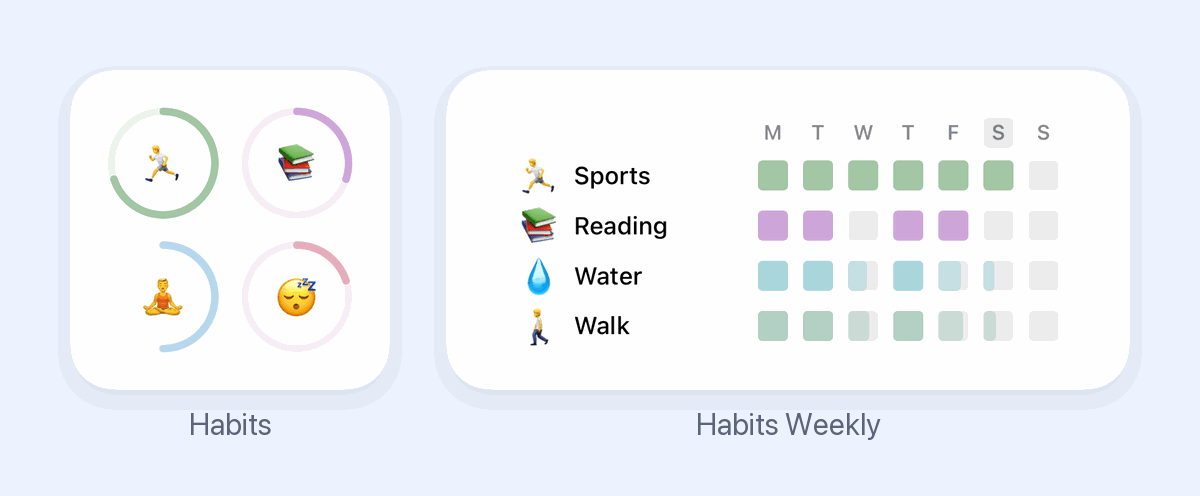
Hi there, Habit Rewards has two home-screen widgets, and both are free. 🟢 Habits shows a progress ring for each habit today. 📅 Habits Weekly shows your whole week, one row per habit. Tap a habit's ring to check it off and collect its coins. To add one, long-press an empty spot on your home screen, add a widget, and search for Habit Rewards. Happy habit-building!
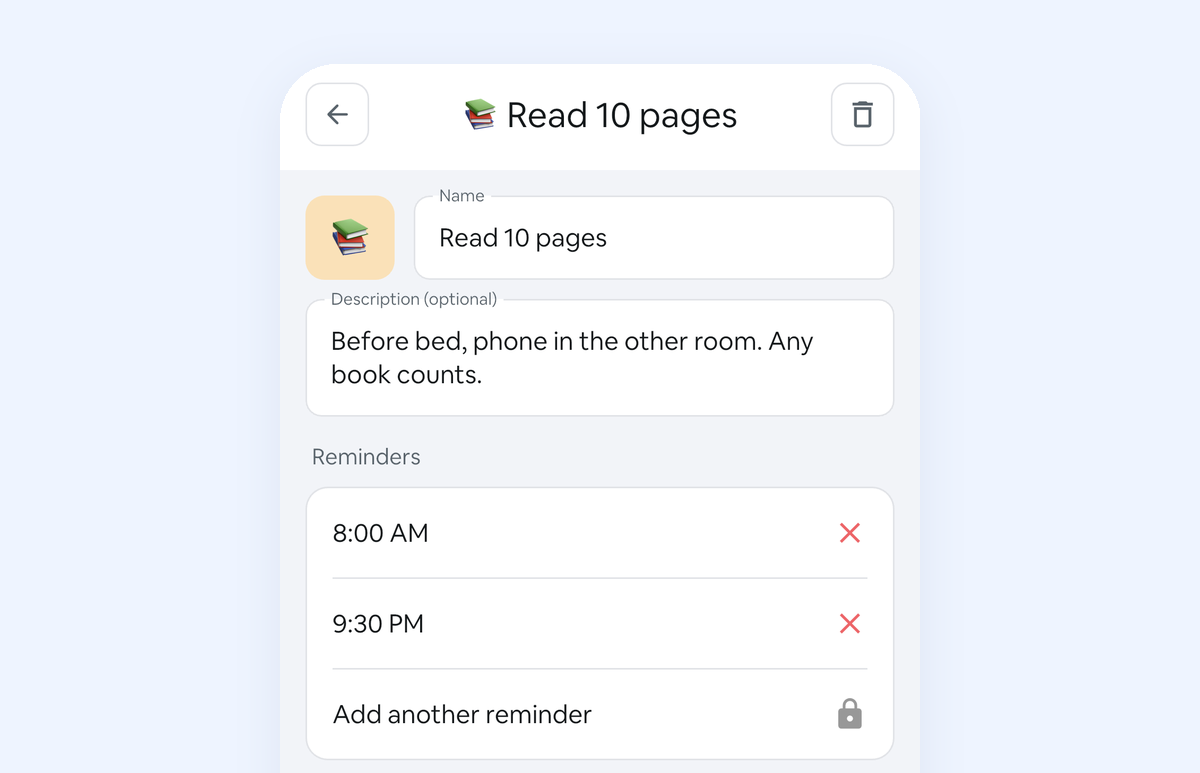
Hi there, If a habit reminder went quiet on you, that was our bug, not you. Since an update last year, a reminder could stop a day after you set it. It's fixed in the latest version of the app, on iPhone and Android: 1. Update Habit Rewards.2. Open it.3. Your reminders come back at the times you set. Want a nudge in the morning and another at night? Open a habit, tap the pencil and add a second reminder (extra reminders come with Pro). Happy habit-building!
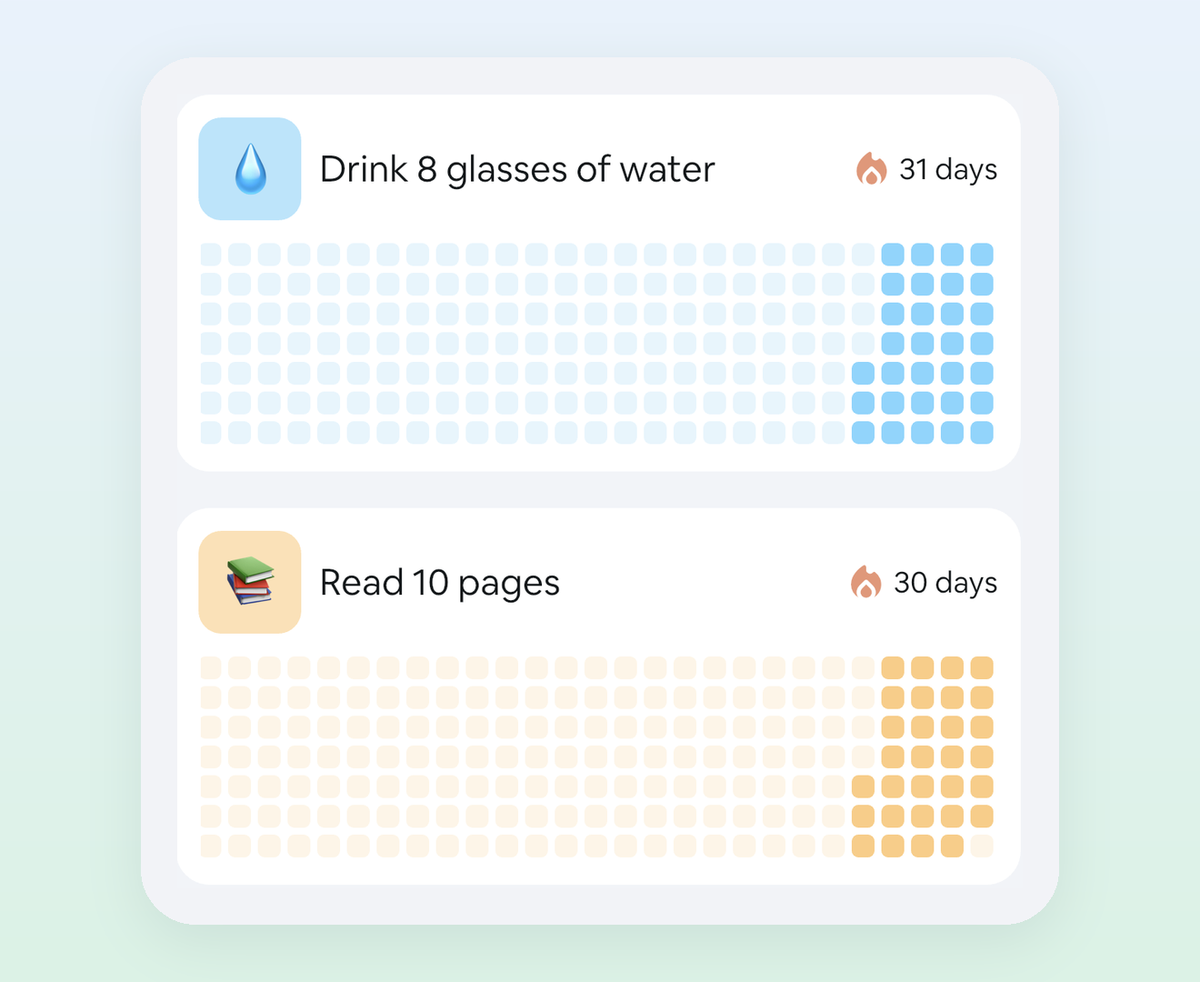
Hi there, November has 30 days. That's a 30-day challenge with a finish line built in. The plan: Pick one habit you can do on a bad day too. Add it in Habit Rewards. Start on Sunday, November 1. Add a reward worth saving for. Every check-in earns coins toward it. Want it on paper too? Print a free 30-day tracker. Open the app and pick your habit. Happy habit-building!