Information, updates, and new features about Habit Rewards app. Subscribe to the newsletter.
New: Tasks that pay you coins 📝
|
Hi there, Not everything is a habit, so Habit Rewards now has Tasks: one-off to-dos that pay you coins just like your habits. 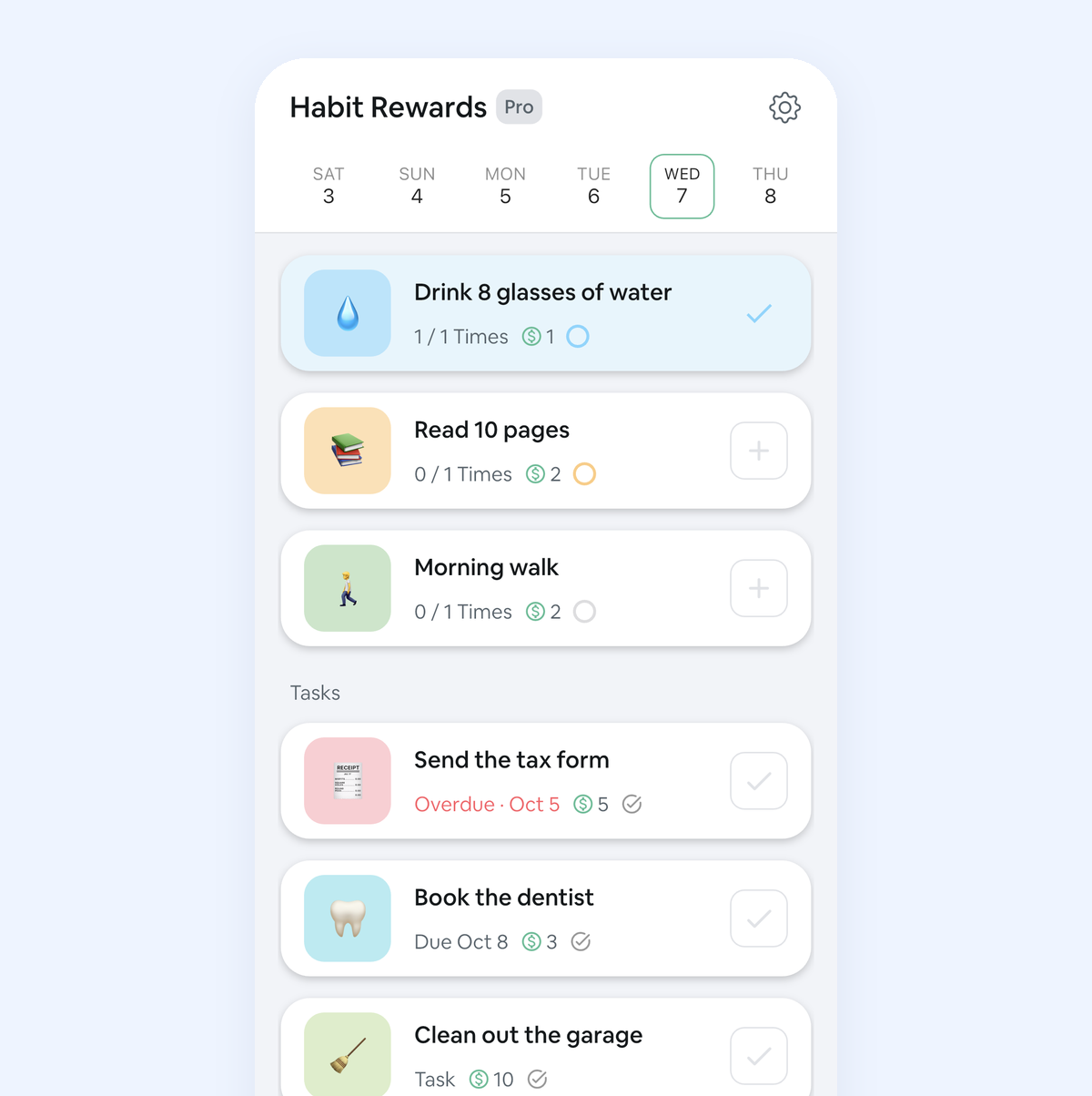 📝 What is a Task?Some things only need doing once: book the dentist, send that email, clean out the garage. A Task shows up on today until you tick it off, pays the coins you set, and never touches your streaks.
🚀 How to add a Task
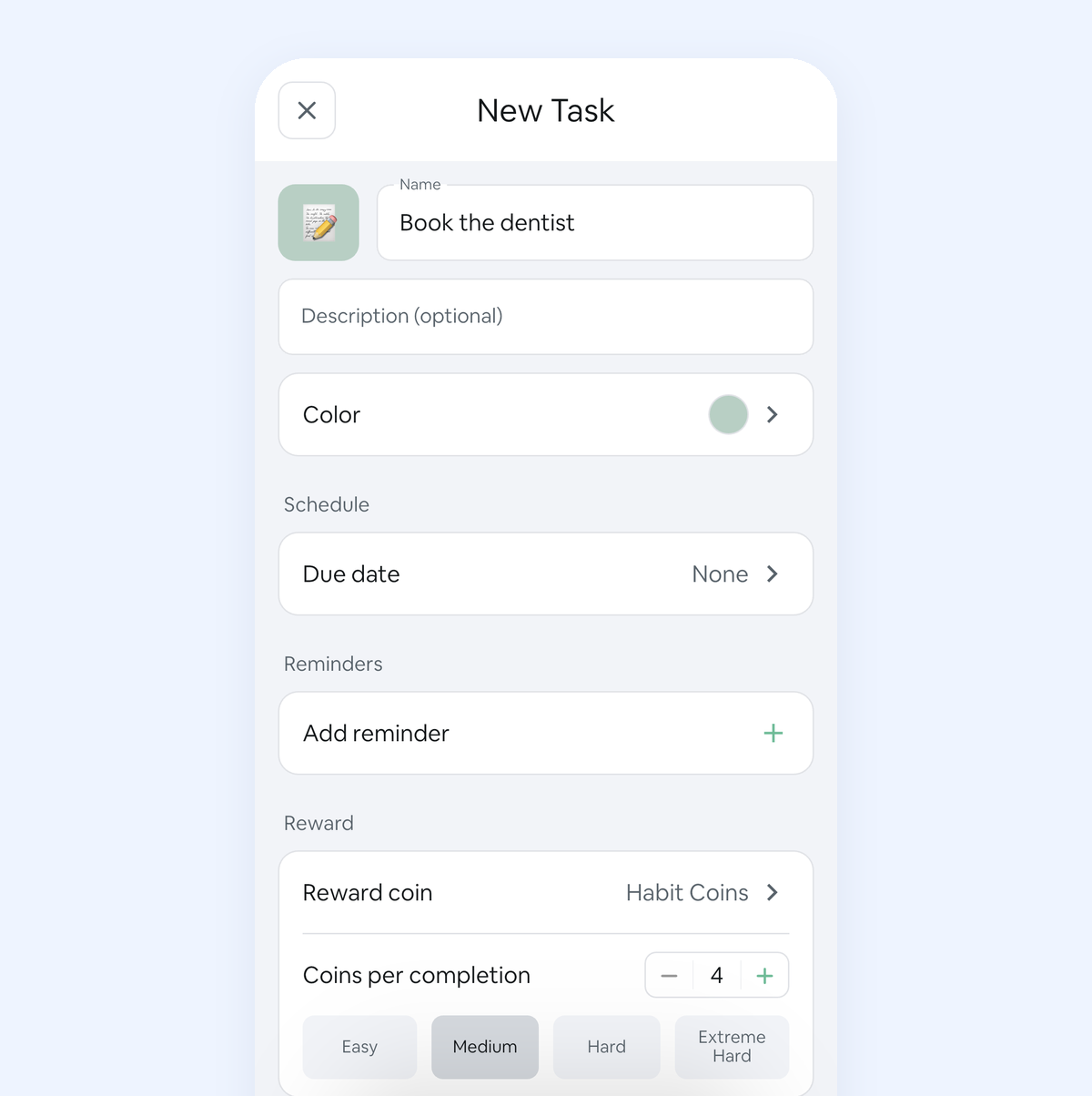 Tasks are available now in the latest version of the app (1.9.3 or newer). Got a to-do you've been putting off? Make it a Task and pay yourself for finishing it. Happy habit-building! |
Habit Rewards
Information, updates, and new features about Habit Rewards app. Subscribe to the newsletter.
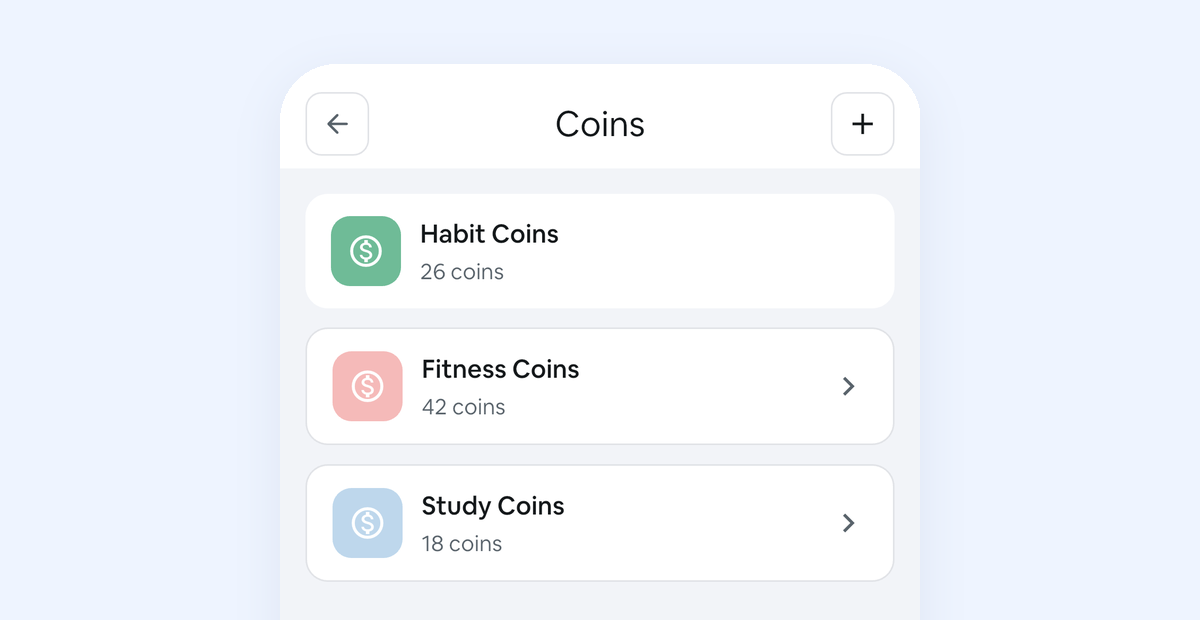
Hi there, Some goals deserve their own budget. With custom coins, the habits you pick earn their own currency. Earn Fitness Coins from workouts. Spend them on new running shoes. To make one: Open Rewards and tap your coin balance. Tap + and name your coin. Tick the habits that earn it and the rewards you spend it on. Custom coins are free, on iPhone and Android. Open the app and give one goal its own coin. Happy habit-building!
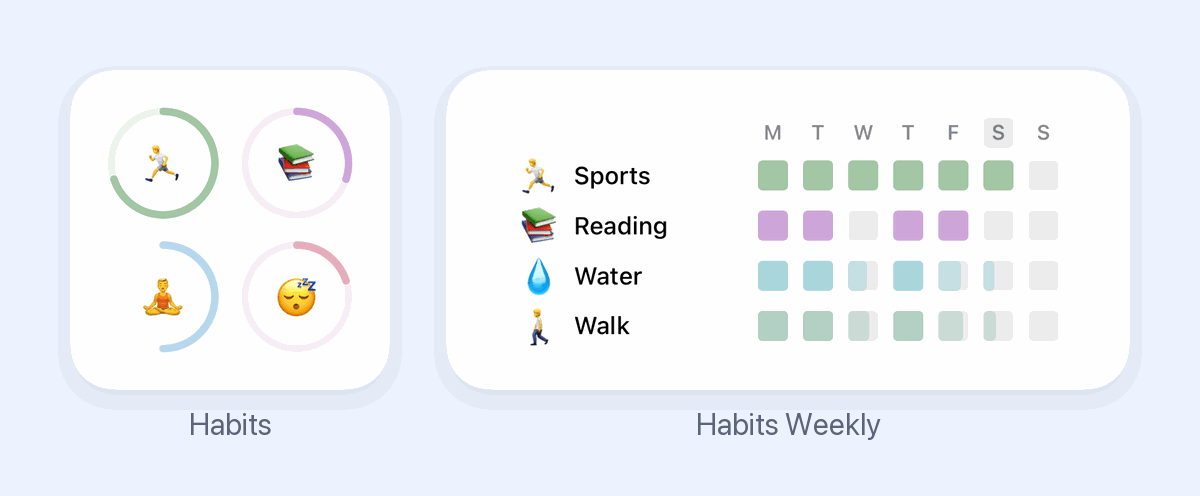
Hi there, Habit Rewards has two home-screen widgets, and both are free. 🟢 Habits shows a progress ring for each habit today. 📅 Habits Weekly shows your whole week, one row per habit. Tap a habit's ring to check it off and collect its coins. To add one, long-press an empty spot on your home screen, add a widget, and search for Habit Rewards. Happy habit-building!
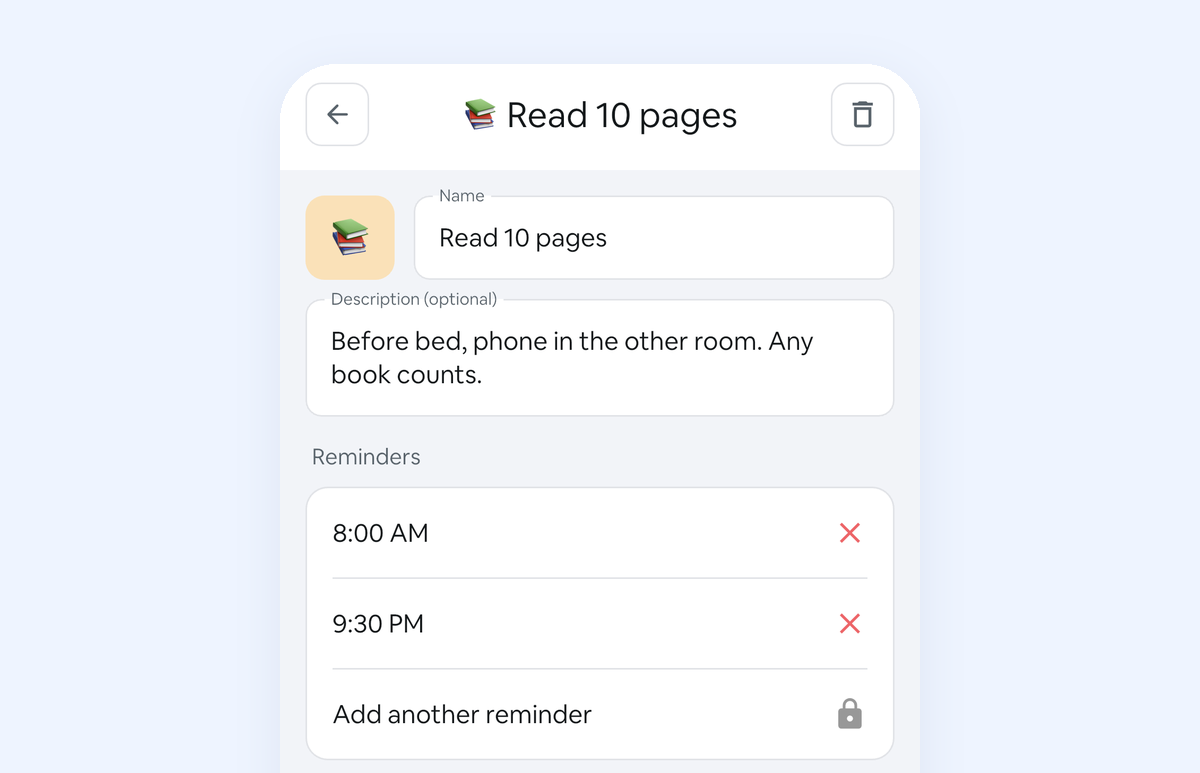
Hi there, If a habit reminder went quiet on you, that was our bug, not you. Since an update last year, a reminder could stop a day after you set it. It's fixed in the latest version of the app, on iPhone and Android: 1. Update Habit Rewards.2. Open it.3. Your reminders come back at the times you set. Want a nudge in the morning and another at night? Open a habit, tap the pencil and add a second reminder (extra reminders come with Pro). Happy habit-building!